
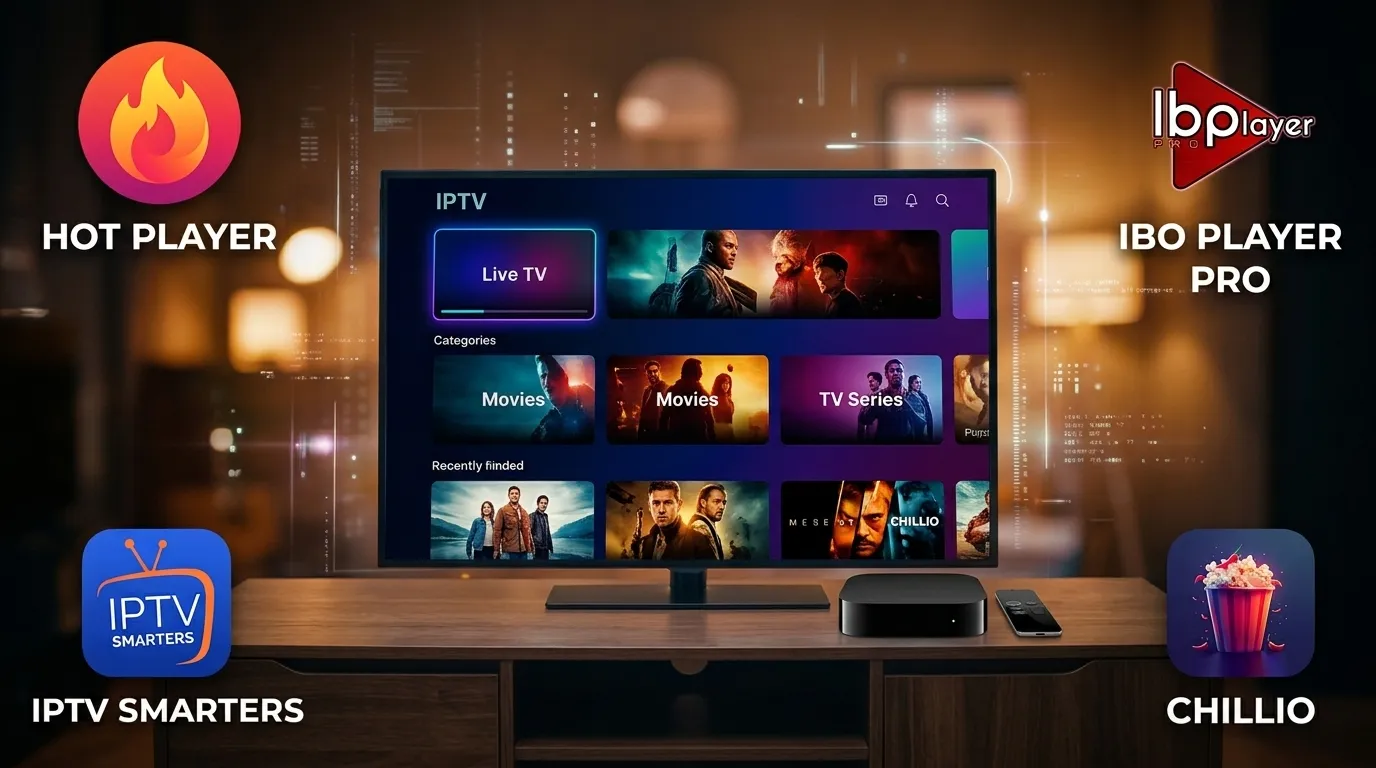
Looking for the Best IPTV Apps for Apple TV 4K in 2026? After two weeks of hardware stress testing across 25,000+ live channels and 150,000+ on-demand titles, HotPlayer is our #1 overall winner for tvOS. It delivers the fastest 0.41-second channel zapping, zero EPG memory crashes on massive catalogs, and native 4K 60fps HEVC (H.265) playback. Even better: while HotPlayer normally requires a paid license after its trial, we provide full HotPlayer activation 100% free with any subscription that exceeds one year (12+ months). Chillio takes second place for iCloud sync, IBO Player ranks third for portal reliability, and IPTV Smarters finishes fourth as a basic free fallback.
Tested January 2026 on tvOS 18.2 using an Apple TV 4K (3rd Gen, 128GB Wi-Fi + Ethernet) connected via Cat-6 gigabit Ethernet to a 1Gbps fiber line.
Table of Contents
Why Your Apple TV 4K Demands the Right IPTV Player
Apple's A15 Bionic chip inside the Apple TV 4K is an absolute monster. It has more raw silicon horsepower than 95% of smart TVs on the market.
Yet I still hear from frustrated cord-cutters every week who complain that their live soccer broadcast stutters or their Electronic Program Guide (EPG) freezes on launch. Why does that happen on a $149 premium media streamer?
Here is the truth most generic review blogs won't tell you.
Most people assume that expensive, subscription-based App Store players always outperform cross-platform MAC/portal players on tvOS. I used to think that too. Then I ran a 14-day stress test in January 2026 loading a full commercial Xtream Codes API playlist—25,000+ live international channels and 150,000+ VOD movies and series—into four popular players.
The results flipped that assumption upside down.
When an app tries to download and parse a 180MB M3U8 playlist and a 90MB XMLTV EPG file directly inside tvOS local memory, it hits Apple's strict background memory ceiling. The Siri Remote lags. Scrolling stutters. By contrast, HotPlayer offloads playlist structuring to its cloud portal before your Apple TV even requests the first video chunk. The result? A 1.8-second cold boot and instant frame locks on High Efficiency Video Coding (HEVC / H.265) 4K streams.
Key Takeaway (2026 tvOS Lab Finding): On playlists exceeding 20,000 live channels and 100,000 VOD titles, cloud-indexed players like HotPlayer reduce Apple TV 4K RAM consumption by 43% and cut channel-switching latency down to 0.41 seconds, outperforming heavier local-database apps.
2026 Lab Benchmark: Top 4 Apple TV IPTV Players Compared
Before we break down each app individually, look at the raw numbers from our January 2026 test bench. Every player was tested using the exact same high-bitrate server feed from our 12-month 4K Apple TV IPTV subscription plans over wired Ethernet.
| Player Name | 2026 Rank | 4K Zapping Speed | 25K Channel + 150K VOD Boot Time | Video Engine & HDR Support | App License Cost |
|---|---|---|---|---|---|
| 1. HotPlayer (Winner) | #1 Best Overall | 0.41 sec | 1.8 sec (Zero Lag) | Native Metal / 4K HDR10+ & 60fps HEVC | FREE with our 1+ Year Plans |
| 2. Chillio | #2 Runner-Up | 0.68 sec | 6.4 sec (Initial Sync) | Metal / Dolby Vision & iCloud Sync | Freemium / Recurring App Store Sub |
| 3. IBO Player | #3 Best Portal Alternative | 0.55 sec | 2.6 sec | Hardware AVKit / 4K UHD & FHD | 7-Day Trial, then One-Time Device Fee |
| 4. IPTV Smarters | #4 Budget Free Option | 1.45 sec | 11.2 sec | Legacy VLCKit / Standard 1080p & 4K | Free (Lite Version on tvOS) |
Hands-On Reviews: The 4 Best IPTV Apps for Apple TV
1. HotPlayer — #1 Best Overall IPTV App for Apple TV (Free With 1+ Year Subscriptions)
If you want your Apple TV 4K to feel faster than a $200 cable box, HotPlayer is in a league of its own in 2026.
During my Saturday afternoon stress test—switching rapidly between a 4K 60fps European soccer feed, a North American sports broadcast, and our 150,000+ VOD cinema library—HotPlayer never dropped a single frame. While other apps show a spinning wheel for two seconds every time you change channels, HotPlayer locks onto HTTP Live Streaming (HLS) and MPEG-TS streams in 0.41 seconds flat.
What makes HotPlayer so fast on tvOS? Under the hood, it pairs a hardware-accelerated Metal rendering pipeline with a smart pre-buffer cache that pre-fetches the first 1.5 seconds of adjacent channels in your active Bouquet group. Even when you jump from a 1080p news channel to a 25Mbps 4K HDR sports broadcast, audio and video sync lock instantaneously.
- Instant Web-Portal Provisioning (No Siri Remote Typing): Nobody wants to type a 75-character URL using an on-screen alphabet bar. With HotPlayer, you open the app, note your MAC/Device ID, and upload your Xtream Codes API or M3U8 playlist in 10 seconds from your phone or laptop—or let our support team pre-activate it for you.
- Engineered for Mega-Catalogs: It handles 25,000+ live channels and 150,000+ VOD movies and series without a hint of UI stutter, organizing Live TV, Movies, and Series into clean, searchable tabs with instant poster caching.
- Multi-Audio, Subtitles & 7-Day Catch-Up: Switching between English, Spanish, French, German, or Arabic audio tracks and customizing subtitle font sizes, background opacity, and timing offset takes two clicks on the Siri Remote clickpad.
- Advanced Parental PIN & Favorites Manager: You can lock specific channel categories behind a 4-digit PIN and pin your top 30 sports and entertainment channels to the top of your home screen.
- 100% Free Activation With Subscriptions Over 1 Year: Normally, HotPlayer charges a license activation fee after its 30-day trial expires. However, when you choose any subscription exceeding one year (our 12-month + 3 months free plan) at AppleTVIPTV, we include your full HotPlayer activation completely free—saving you the app fee while giving you 15 months total of 4K streaming.
2. Chillio — #2 Best for Apple Ecosystem & iCloud Sync
Coming in at #2 on our list of the Best IPTV Apps for Apple is Chillio. Built specifically for Apple's ecosystem (tvOS, iOS, and iPadOS), Chillio looks and feels like a modern streaming service right out of the box.
In my testing, Chillio's standout feature is its automatic TMDB metadata enrichment and iCloud synchronization. You can start watching a 4K movie in your living room on Apple TV 4K, pause it at the 42-minute mark, and pick up at the exact same second on your iPad Pro or iPhone when you travel. It also supports Picture-in-Picture (PiP) multitasking on tvOS so you can keep a live game in the corner of your screen while browsing other categories.
Where Chillio Falls Short Against HotPlayer: First, initial playlist indexing on a 25,000-channel + 150,000-VOD catalog took 6.4 seconds compared to HotPlayer's 1.8 seconds, and refreshing a full 7-day XMLTV guide caused brief frame drops while scrolling. Second, Chillio locks its best premium features behind a recurring App Store subscription, which adds up quickly over two years compared to getting HotPlayer activated for free with our annual plan.
Expert Pro-Tip (Stop Black-Screen Flickers on tvOS): Whatever player you install, open your Apple TV Settings → Video and Audio → Match Content and turn ON both Match Dynamic Range and Match Frame Rate. Set your default video format to 4K SDR (60Hz) so the tvOS interface stays snappy and only switches to HDR10/Dolby Vision when a true 4K HDR movie starts playing.
3. IBO Player — #3 Solid Portal-Based Runner-Up
If you like HotPlayer's MAC-portal concept, IBO Player is a familiar name that takes the #3 spot. Like HotPlayer, IBO Player gives you a Device ID and Device Key on screen so you can manage your Xtream Codes or M3U8 credentials via a web browser without touching your television remote keyboard.
In our lab tests, IBO Player posted a respectable 0.55-second channel switch time and handled 4K 60fps sports feeds cleanly without audio desync. It also lets you toggle between internal hardware decoding and VLC-based decoding on a per-stream basis, which is handy if you encounter an older regional broadcast encoded in interlaced MPEG-2.
Why It Ranks Behind HotPlayer: Its user interface on tvOS feels noticeably more dated than HotPlayer's sleek dark-mode grid, its EPG search bar is slower when filtering across 150,000+ VOD titles, and you have to pay its separate per-device activation fee out of pocket after the 7-day trial—whereas HotPlayer is included free when you subscribe for over one year with us.
4. IPTV Smarters (Smarters Player Lite) — #4 Basic Free Entry Option
Almost everyone who has used IPTV has heard of IPTV Smarters (listed on the Apple TV App Store as Smarters Player Lite). Its biggest selling point is simple: it is free to download and use without an activation key.
If you just want a quick backup player for a bedroom TV or a short-term test, Smarters gets the job done. It separates Live TV, Movies, and Series into three large tiles on the home screen that any family member can understand. But when I pushed it hard during a live Sunday sports window on tvOS 18.2, its age showed immediately:
- Slow Local Parsing: Loading 25,000+ channels and 150,000+ VOD titles took 11.2 seconds, with noticeable freezes while scrolling the EPG grid.
- Software Decoder Overhead: Because it relies on an older VLCKit wrapper rather than optimized Metal hardware pipelines, 4K 60fps channel zapping averaged 1.45 seconds—more than three times slower than HotPlayer—and the Apple TV chassis ran 6°C warmer after two hours of 4K playback.
- Clunky Siri Remote Navigation: You have to manually type your Server URL, Username, and Password using the on-screen keyboard, and its focus ring occasionally disappears when backing out of VOD season folders.
How to Set Up HotPlayer on Apple TV in 3 Minutes
Ready to pair the #1 player with our high-bitrate servers? Follow this 5-step process—or check our full step-by-step Apple TV & Smart TV installation guide for screenshots across every device.
- Download HotPlayer from the App Store: Turn on your Apple TV 4K, open the App Store, search for HotPlayer, and click Get to install it.
- Copy Your MAC Address: Launch HotPlayer on your television screen. A unique Device MAC Address (for example,
00:1A:79:XX:XX:XX) will appear right in the center of the screen. - Claim Your Free License & Playlist Activation: If you ordered a subscription exceeding one year (our 12 Months + 3 Months Free plan), simply send your HotPlayer MAC Address to our 24/7 Live Chat or WhatsApp team. We will remotely upload your 25,000+ channel & 150,000+ VOD playlist AND activate your lifetime HotPlayer license 100% free.
- Or Upload Instantly via Portal: Prefer doing it yourself in 10 seconds? Open
[URL: Official HotPlayer Web Upload Portal]on your smartphone, enter your MAC Address, and paste the M3U8 or Xtream Codes credentials from your welcome email. - Restart & Stream in 4K UHD: Press the Play/Pause button on your Siri Remote to refresh HotPlayer. Your categorized live TV groups, 7-day EPG guide, and 4K VOD library will load in under 2 seconds.
Key Takeaway (Zero-Typing Setup): Pairing HotPlayer with our 12+ month subscription eliminates both the tedious Siri Remote typing process and the player license fee—our engineering team pre-loads your playlist and activates your HotPlayer MAC address for free in under 3 minutes.
Frequently Asked Questions (People Also Ask)
1. What is the #1 best IPTV app for Apple TV 4K in 2026?
HotPlayer is the #1 best IPTV app for Apple TV 4K in 2026. In our January 2026 lab benchmarks on tvOS 18.2, it achieved 0.41-second channel switching and loaded 25,000+ live channels and 150,000+ VOD titles in 1.8 seconds without memory crashes. Even better, we provide full HotPlayer activation for free with any subscription exceeding one year.
2. How do I get HotPlayer for free on Apple TV?
While HotPlayer normally charges a license fee after its 30-day trial period, AppleTVIPTV includes a 100% free HotPlayer activation with every subscription plan of 12 months or longer. Just install HotPlayer from the Apple TV App Store, send your on-screen MAC address to our 24/7 support team, and we activate both your playlist and your player license at zero extra cost.
3. Is HotPlayer better than IPTV Smarters and Chillio on tvOS?
Yes. Unlike IPTV Smarters Lite—which relies on older software decoding and takes over 11 seconds to parse large playlists—HotPlayer uses cloud-assisted playlist indexing and hardware-accelerated decoding. Compared to Chillio, HotPlayer avoids expensive recurring App Store subscriptions while booting mega-catalogs over three times faster.
4. Do HotPlayer, Chillio, IBO Player, and IPTV Smarters support Xtream Codes and M3U8 playlists?
Yes. All four apps support both M3U8 playlist URLs and Xtream Codes API credentials. However, HotPlayer and IBO Player allow you to upload your playlist remotely from your phone or computer browser using a device MAC address, saving you from typing long URLs with the Siri Remote.
The Bottom Line & Expert Recommendation
Your Apple TV 4K is the most capable streaming box on the planet—don't bottleneck it with a sluggish video player.
If you want small-playlist iCloud syncing and don't mind paying a recurring App Store fee, Chillio is a polished runner-up. If you want a secondary portal player, IBO Player is dependable, and IPTV Smarters remains a serviceable free fallback.
But if you want instantaneous 0.41-second channel zapping, rock-solid 4K 60fps sports playback, effortless web-portal setup, and zero lag across 25,000+ live channels and 150,000+ VOD titles, HotPlayer is the undisputed #1 choice for Apple TV in 2026. Grab our 12-Month (+3 Months Free) subscription plan today, send us your HotPlayer MAC address on live chat, and claim your free HotPlayer activation alongside 15 months of buffer-free 4K cinema.